Share Mina Diagrams
There are several ways to share and show your architectural diagrams:
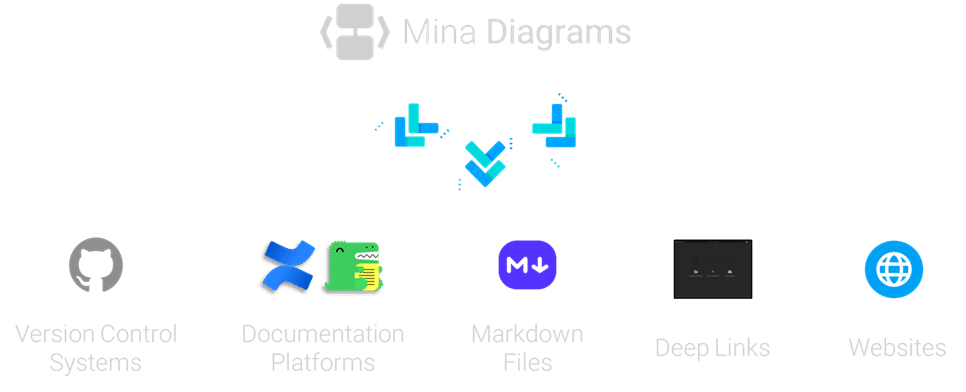
- Through version control systems
- Through documentantion platforms
- Through Markdown files
- Through deep links
- Through websites
Version Control Systems
Keadex Mina is designed to work seamlessly with version control systems like Git. You can commit your diagrams and architectural elements directly to your repository, allowing you to track changes over time and collaborate with your team.
Refer to the Versioning documentation for more details.
Documentation Platforms
You can share your diagrams through documentation platforms like Confluence (opens in a new tab) or Docusaurus (opens in a new tab). This allows you to integrate your architectural diagrams into your project documentation, making it easier for your team to understand the architecture.
Refer to the Plugins documentation for more details.
Markdown Files
You can also share your diagrams through Markdown (opens in a new tab) files. Keadex Mina provides an API that allows you to render diagrams server side and export them as SVG, making it easy to include them in your Markdown documentation.
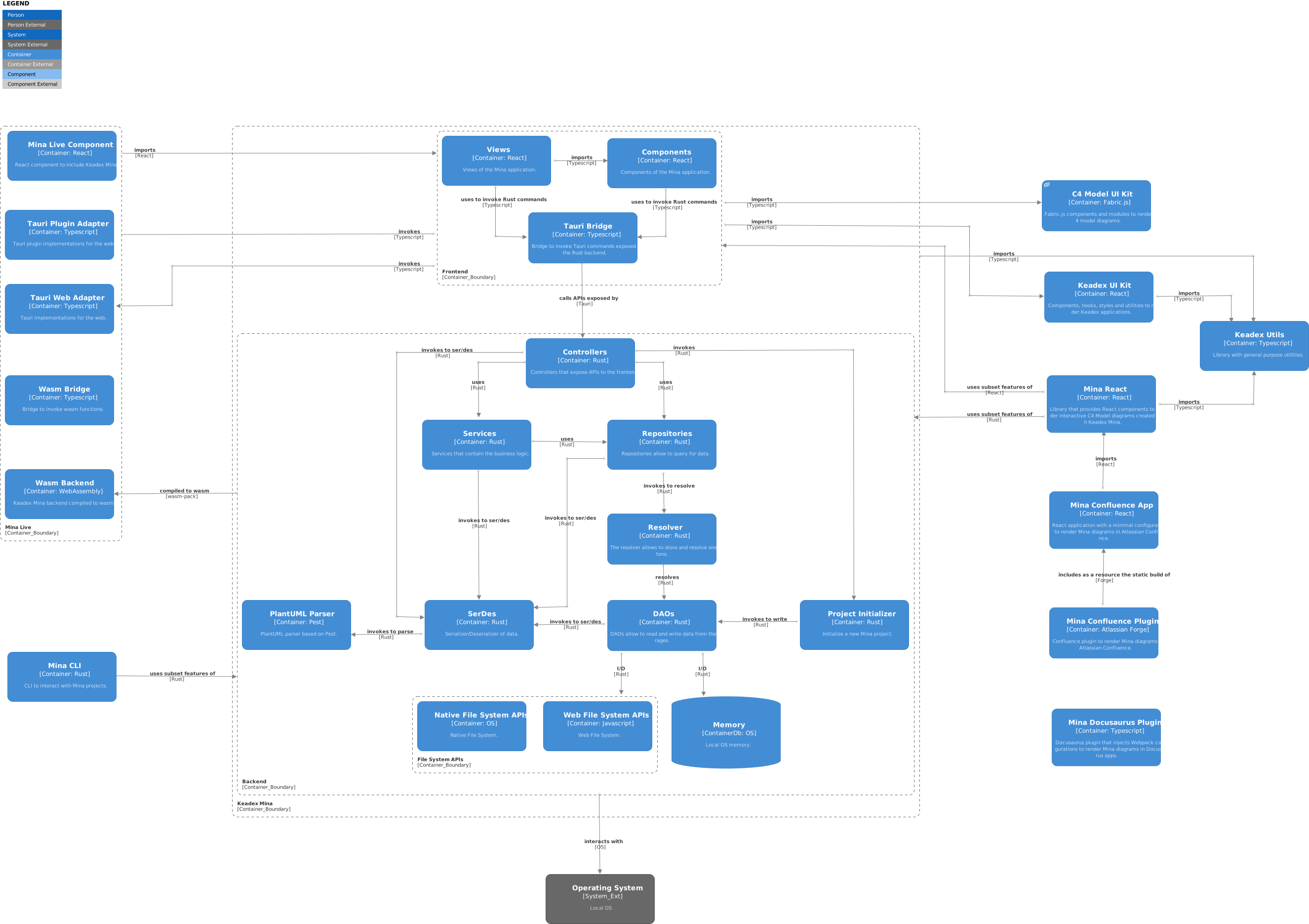You can generate the SSR link from the Share Diagram (opens in a new tab) page or Remote Diagrams feature in Keadex Mina.
Refer to the Server Side Rendering documentation for more details.
Deep Links
You can share your diagrams through deep links. These links allow you to open specific diagrams or architectural elements directly in Keadex Mina, making it easy to navigate to the relevant parts of your architecture. You can generate deep links directly from Keadex Mina.
Refer to the Deep Links documentation for more details.
Websites
You can also share your diagrams through websites. Keadex Mina provides two ways to do this:
- Through the share diagram page (opens in a new tab)
- Through the Mina React component (opens in a new tab)
